
Select gift card value
You earn 1.2Mag Miles
1.2Download Magnify app to buy gift cards


How to redeem
- Online:
- Log in to the Milkbasket app, go to your wallet, select the amount of Gift Card you want to top up, and tap "Recharge Once".
- Choose the GV/e-Pay option - you will be able to view and add available vouchers linked to your account.
- After adding the vouchers, complete the transaction by redeeming e-Pay and topping up your Milkbasket wallet.
- Multiple gift vouchers can be combined and added to the e-Pay balance.
- A voucher/e-Pay can be clubbed with the existing offers on the app.
Things to note
- Validity: Gift Voucher is valid for redemption within the validity period; once converted into e-Pay balance, it can be used across multiple transactions until expiry
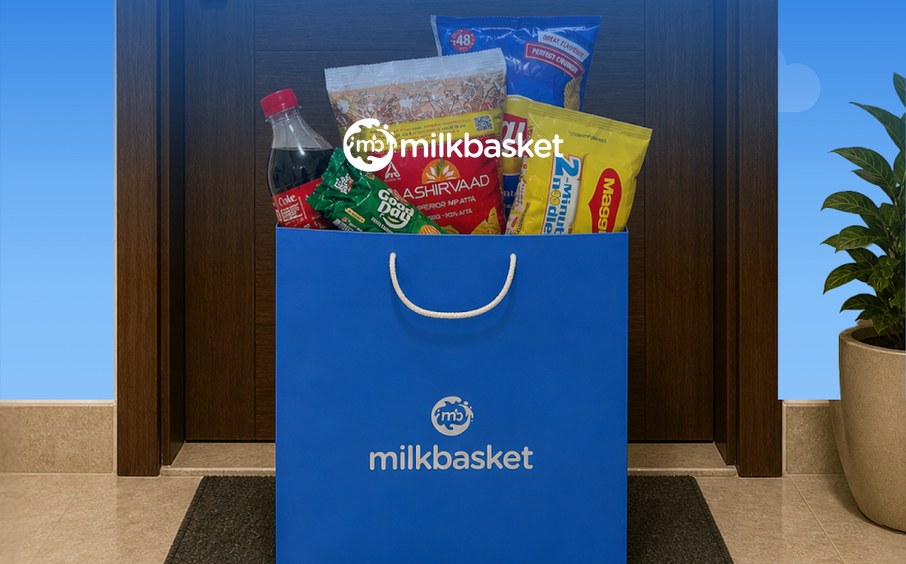
- What it is: A gift voucher for Milkbasket, a daily grocery and milk delivery service - order fresh milk, bread, eggs, and daily essentials with flexi-ordering (add or modify items until midnight) for delivery by 7 in the morning
- Redemption Channels: Online only - accepted exclusively on the Milkbasket app, topped up to your Milkbasket wallet via the GyFTR e-Pay flow
- Usage: The Gift Voucher is converted into e-Pay (wallet) balance and used to top up your Milkbasket wallet for purchases; partial redemption is supported once converted, and if an order value exceeds the e-Pay balance, the difference can be paid by another payment option
- Stacking: Multiple vouchers can be combined and added to the e-Pay balance; a voucher/e-Pay can be clubbed with existing offers on the app
- Transferability: Non-transferable - the GV/e-Pay is to be used only by the individual to whom it is issued, the e-Pay balance must be linked to the registered mobile number, and it cannot be redeemed for cash or credit